What is the Sample Size Calculator?
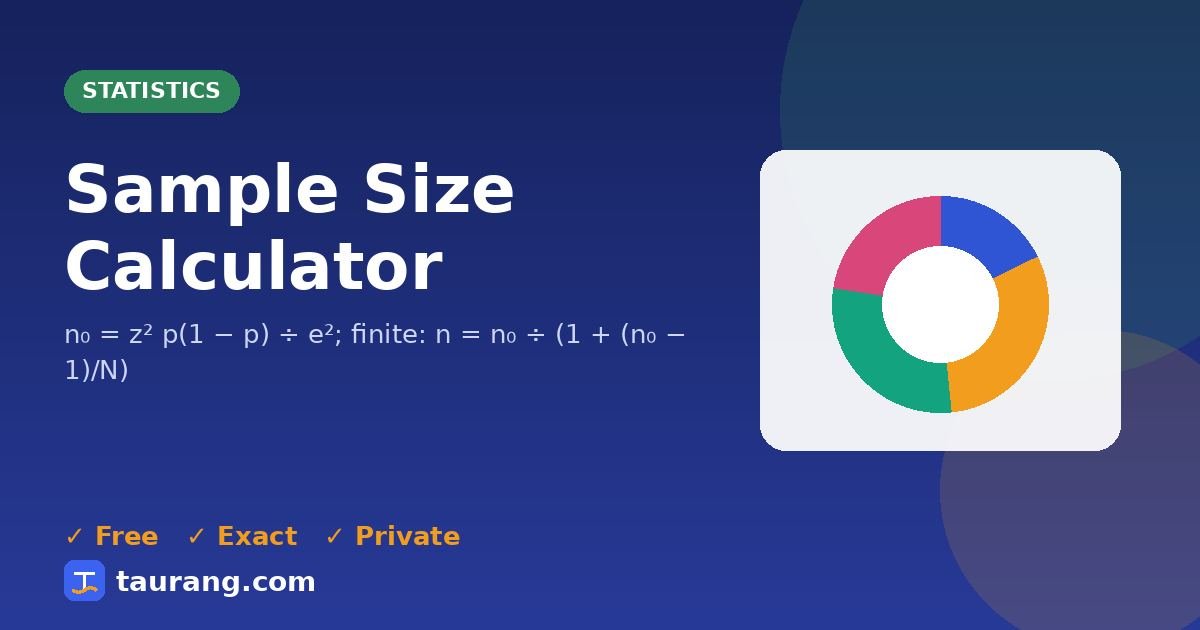
Find the survey sample size needed for a confidence level and margin of error. Sample size tells you how many people you need to survey for results with a chosen confidence level and margin of error.
How to use the Sample Size Calculator
- Enter your confidence level, your margin of error, your population size, your expected proportion.
- Results update automatically as you type; you can also press Calculate.
- Read the output: required sample size.
- Use the 📊 chart to see the result visually, then copy or share it.
Formula and method
Worked example
With confidence level = 95%, margin of error = 5 %, population size = 0, expected proportion = 50 %, the Sample Size Calculator returns required sample size: 385.
Where the Sample Size Calculator helps in real life
A business wants to survey its 10,000 customers with a ±5% margin at 95% confidence. The calculator shows that about 370 completed responses are needed.
A student researcher plans a campus survey and needs to know how many students to recruit before booking time and incentives.
Common mistakes to avoid
- Planning for completed responses but only inviting that many people.
- Choosing a tiny margin of error without the budget to reach it.
- Assuming a large sample fixes a biased one.
- Ignoring the population size for small groups.
💡 Practical tip: A larger sample reduces uncertainty, but it cannot correct a biased way of choosing who answers.
Tips for better results
- Divide the required sample by your expected response rate to know how many to invite.
- Use 50% as the expected proportion when unsure — it gives the safest size.
- Recruit randomly from the whole population.
Frequently asked questions
What does the Sample Size Calculator do?
Find the survey sample size needed for a confidence level and margin of error.
How is it calculated?
The Sample Size Calculator uses this method: n₀ = z² p(1 − p) ÷ e²; finite: n = n₀ ÷ (1 + (n₀ − 1)/N).
Can you show an example?
With confidence level = 95%, margin of error = 5 %, population size = 0, expected proportion = 50 %, the Sample Size Calculator returns required sample size: 385.
Is the Sample Size Calculator accurate?
Yes. It uses standard formulas and exact constants, and the results are verified by our automated test suite. Values are displayed to up to 12 significant digits.
Is this tool free and private?
Yes — the Sample Size Calculator is completely free with no sign-up, and it runs entirely in your browser, so the values you enter are never uploaded to our servers.
Related tools
📬 Get new tools first — free
Join Taurang to hear about new calculators, converters and features. No spam; unsubscribe anytime.