What is the Percentage Change Calculator?
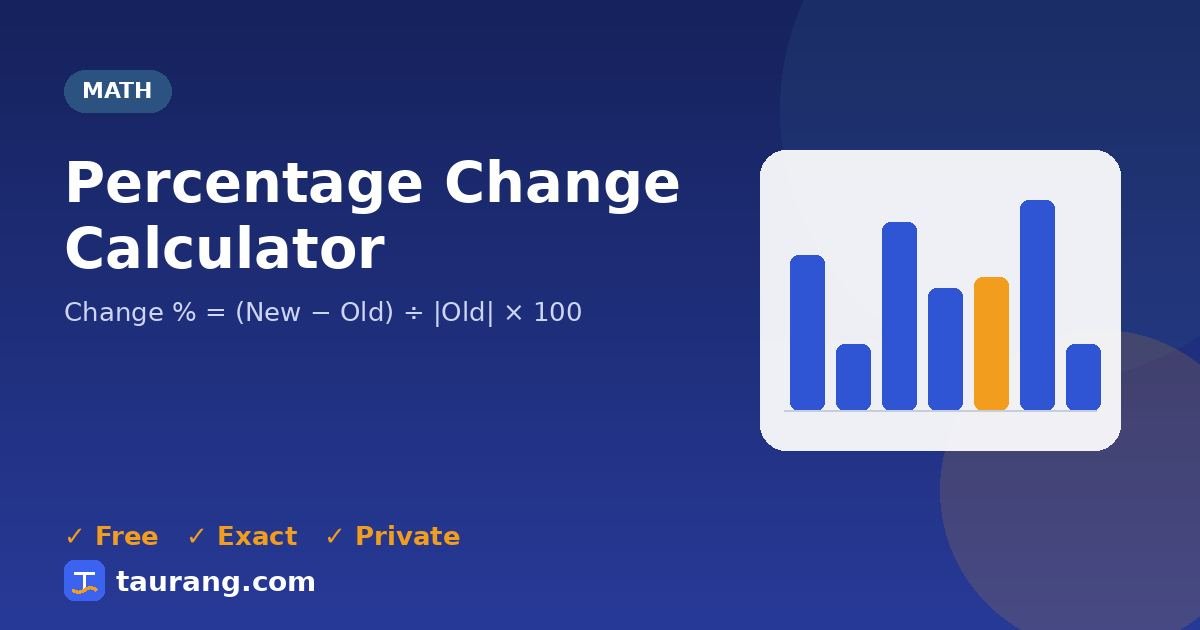
Calculate the percentage increase or decrease from an old value to a new value. Percentage change measures how much a value rose or fell relative to where it started, which is how prices, sales and growth are usually reported.
How to use the Percentage Change Calculator
- Enter your old value, your new value.
- Results update automatically as you type; you can also press Calculate.
- Read the output: percentage change, direction, absolute change.
- Use the 📊 chart to see the result visually, then copy or share it.
Formula and method
Worked example
With old value = 80, new value = 100, the Percentage Change Calculator returns percentage change: 25.0000%; direction: Increase; absolute change: 20.
Where the Percentage Change Calculator helps in real life
Your shop’s monthly sales rose from $8,400 to $9,660. The calculator shows a 15% increase, a clearer figure for a business update than the raw dollar difference.
Your electricity bill fell from $142 to $118 after switching to LED bulbs. A 16.9% decrease shows how much the change really saved.
Common mistakes to avoid
- Dividing by the new value instead of the original one.
- Calling a change from 4% to 6% a 2% increase when it is 2 percentage points (a 50% increase).
- Assuming a 20% fall followed by a 20% rise returns to the start.
- Comparing changes measured over different periods.
💡 Practical tip: A 50% drop needs a 100% rise to get back to where it started — losses are harder to recover than they look.
Tips for better results
- Always divide the difference by the starting value.
- Say “percentage points” when comparing two percentages.
- Compare like-for-like periods, such as month to same month last year.
Frequently asked questions
What does the Percentage Change Calculator do?
Calculate the percentage increase or decrease from an old value to a new value.
How is it calculated?
The Percentage Change Calculator uses this method: Change % = (New − Old) ÷ |Old| × 100.
Can you show an example?
With old value = 80, new value = 100, the Percentage Change Calculator returns percentage change: 25.0000%; direction: Increase; absolute change: 20.
Is the Percentage Change Calculator accurate?
Yes. It uses standard formulas and exact constants, and the results are verified by our automated test suite. Values are displayed to up to 12 significant digits.
Is this tool free and private?
Yes — the Percentage Change Calculator is completely free with no sign-up, and it runs entirely in your browser, so the values you enter are never uploaded to our servers.
Related tools
📬 Get new tools first — free
Join Taurang to hear about new calculators, converters and features. No spam; unsubscribe anytime.